Manage an agent's flows
See an agent's flows on its Flows tab, then open, duplicate, pause, resume, archive and restore them.
A flow is a set of steps an agent takes when something happens, such as "an inbound pricing question arrives" or "a deal moves to Negotiation". The Flows tab lists every flow of the agent with its version, status and steps, and is where you pause, archive or restore one without opening the builder.
- Who can use it: Everyone can see the Flows tab and open a flow read-only (View flow). Duplicating, archiving, restoring and creating flows need permission to edit agents; pausing and resuming a flow needs permission to deploy and pause agents (owners and admins by default). Items your role can't use are left out of the menu, and New flow for this agent is disabled. See Roles and permissions.
- Before you start: Nothing. To build or change a flow's steps, see Flow builder basics.
Read the flow list
Open the Flows tab
Open an agent from the Agents page. The Flows tab is the one that opens first. The panel title shows how many flows there are and how many are live, such as "5 · 3 live" (or "paused with the agent" when the whole agent is paused).
Read a flow row
Each row shows:
- The flow's name and what triggers it, such as "Trigger: Deal stage becomes Negotiation".
- Its published version (such as v12) and status: Live, Paused or Draft (never published). While the agent is paused, its live flows show Paused too.
- Its steps in order, such as Trigger › Knowledge › Draft › Guardrails › Send.
- Edit flow (View flow if you can't edit) to open it in the flow builder.
A long list is split into pages, with "1–10 of 12 flows" and page buttons at the bottom.
Fix a flow that sends without a guardrail
A flow that can send without a Guardrails step shows a warning: "Sends without a guardrail step." Click Add guardrail to open it in the builder and add one.
Act on a flow
Click ⋯ on a flow's row: Open in builder, Duplicate, Pause flow or Resume flow, and Archive flow.
| Menu item | What it does |
|---|---|
| Open in builder | Opens the flow in the flow builder. |
| Duplicate | Makes a draft copy named "… copy". Nothing runs until you publish it. |
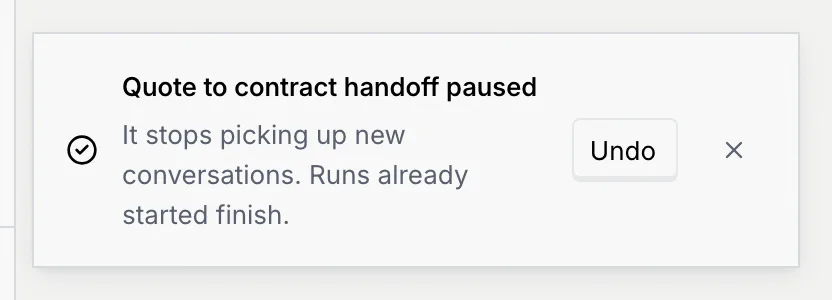
| Pause flow | Stops a live flow picking up new conversations. Runs already started finish. |
| Resume flow | Starts a paused flow again. It picks up new conversations from now on. |
| Archive flow | Removes the flow from the list after you confirm. Its versions are kept. |
Pause flow and Resume flow aren't offered while the whole agent is paused: resuming the agent brings its flows back. Every change shows a message with Undo.
Archive and restore a flow
Archive it
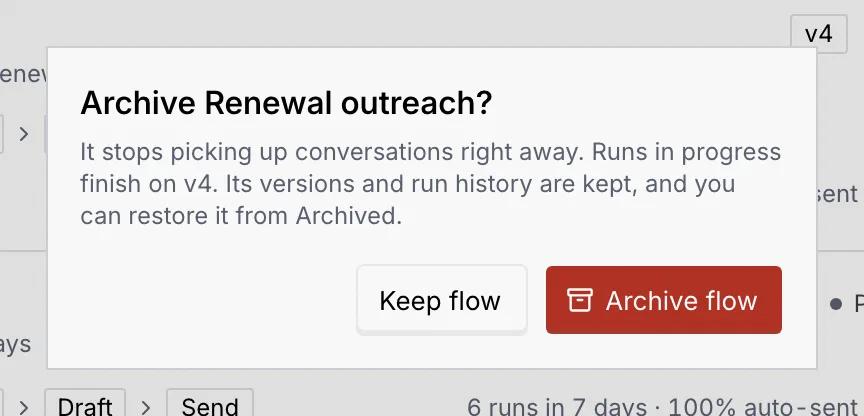
Click ⋯, then Archive flow. The dialog explains that a live flow stops picking up conversations right away, that runs in progress finish on the current version, and that you can restore it later. Click Archive flow to confirm, or Keep flow.
Find it under Archived
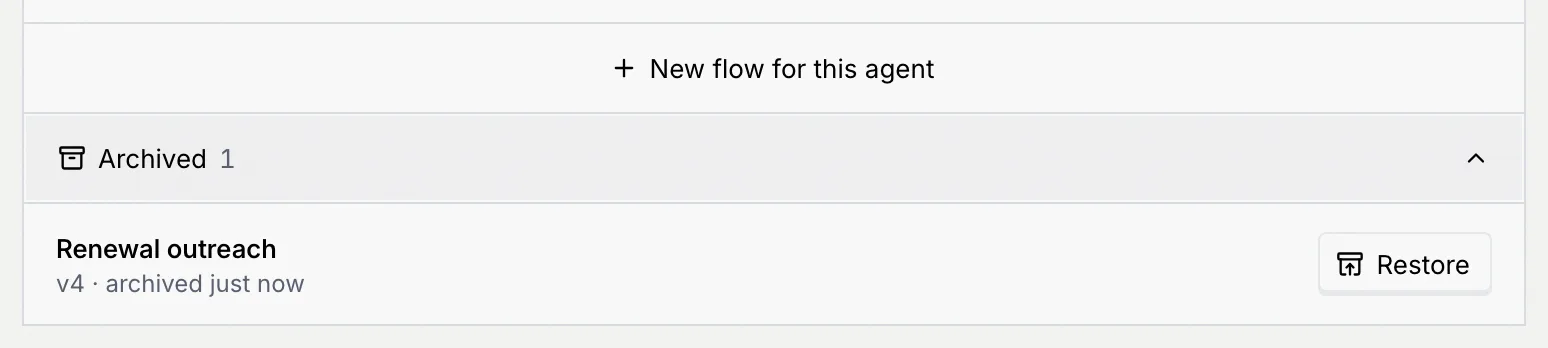
Archived flows move to Archived at the bottom of the panel, with their version and when they were archived. Click Archived to expand the list. A link to an archived flow shows "This flow is archived" until you restore it.
Restore it
Click Restore. A flow that was live comes back Paused, so nothing starts sending by surprise: resume it from its menu when you're ready. A draft comes back as a draft.
Add a flow
Click New flow for this agent at the bottom of the list, or New flow at the top of the page (N). The flow builder opens on a new flow. See Flow builder basics.
An agent without flows shows No flows yet: it still works from its setup (channels, knowledge and guardrails), and a flow lets you control the exact steps it takes.