Finish setup later
Pick up skipped setup steps from the checklist on the Command center or from Finish setup in your account menu.
Steps you skip during setup aren't lost. They wait on a checklist at the top of the Command center and under Finish setup in your account menu, until all four are done.
- Who can use it: The person who set up the workspace. Teammates who joined through an invite never see the checklist.
- Before you start: At least one setup step left open (see Set up your workspace).
Use the checklist on the Command center
Find the checklist
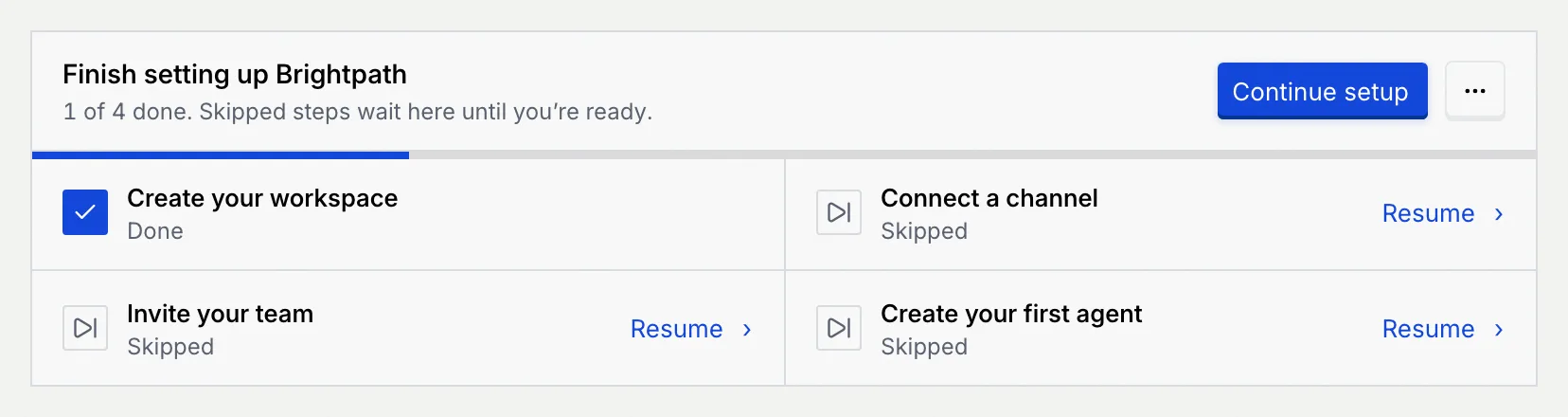
Open the Command center (the first item in the sidebar). The Finish setting up panel, followed by your workspace's name, sits under the page header with a progress bar: "1 of 4 done. Skipped steps wait here until you're ready."
Each step shows Done, Skipped or Not started. Open steps have a Resume link (skipped) or a Start link (never started).
Pick up where you left off
Click Continue setup to open the first step that isn't done, or click Resume or Start next to a particular step. Setup opens on that step; finish it as described in Set up your workspace.
Finish setup from your account menu
Click your name at the bottom of the sidebar. Finish setup shows how many steps are left (for example "3 left") and opens setup: on the first step you haven't started, or on the summary, where every open step has a Start or Resume button.
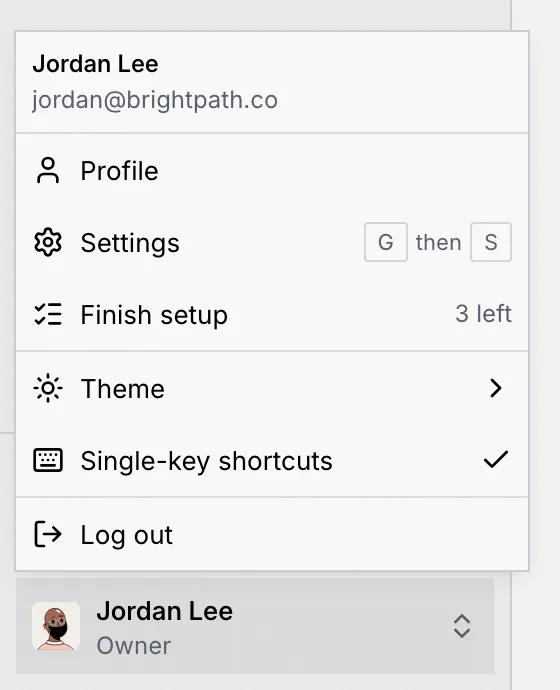
Finish setup stays in the menu even after you hide the checklist.
Hide the checklist
Open the checklist's menu
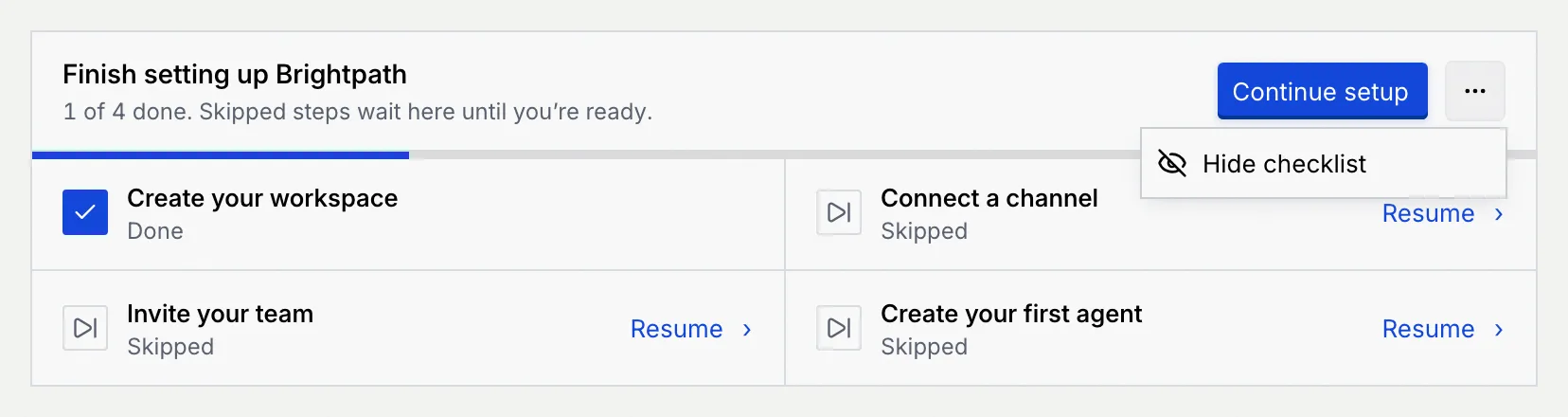
Click the ⋯ button (More actions for the setup checklist) next to Continue setup, then Hide checklist.
Carry on from the account menu
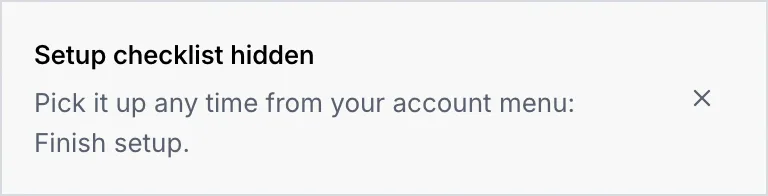
The checklist disappears from the Command center and Mokanata says "Setup checklist hidden. Pick it up any time from your account menu: Finish setup." If it can't be hidden right now, you see Couldn't hide the checklist with the reason; try again.
When a step counts as done
The checklist and Finish setup go away for good once all four steps are Done. A skipped step stays open until you finish it.
| Step | Done when you… | Skipped when you… |
|---|---|---|
| Create your workspace | click Create workspace in setup, click Keep this name on the revisited step, or save the workspace in Settings → Workspace | click Skip, use a default name |
| Connect a channel | click Continue with a channel in setup | click Skip for now |
| Invite your team | send at least one invite from setup | click Skip for now |
| Create your first agent | deploy the agent from the wizard that setup opens | click Skip for now on the step or in the wizard's setup banner |
Only setup ticks these steps
Connecting a channel from Setup, inviting people from Settings, or creating an agent from Agents doesn't tick the checklist. To clear a step you've already done elsewhere, open it from the checklist and finish it there, or hide the checklist.