# Finish setup later (/docs/getting-started/setup-checklist)
Steps you skip during setup aren't lost. They wait on a checklist at the top of the **Command center** and under **Finish setup** in your account menu, until all four are done.
- **Who can use it:** The person who set up the workspace. Teammates who joined through an invite never see the checklist.
- **Before you start:** At least one setup step left open (see [Set up your workspace](/docs/getting-started/set-up-workspace)).
## Use the checklist on the Command center [#use-the-checklist-on-the-command-center]
### Find the checklist [#find-the-checklist]
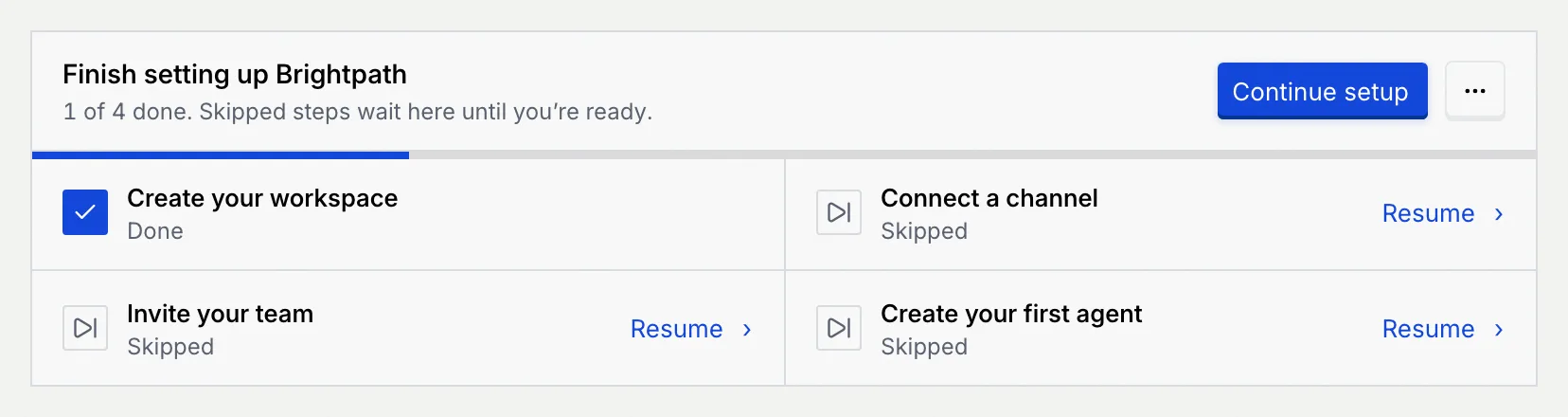
Open the **Command center** (the first item in the sidebar). The **Finish setting up** panel, followed by your workspace's name, sits under the page header with a progress bar: "1 of 4 done. Skipped steps wait here until you're ready."
Each step shows **Done**, **Skipped** or **Not started**. Open steps have a **Resume** link (skipped) or a **Start** link (never started).
### Pick up where you left off [#pick-up-where-you-left-off]
Click **Continue setup** to open the first step that isn't done, or click **Resume** or **Start** next to a particular step. Setup opens on that step; finish it as described in [Set up your workspace](/docs/getting-started/set-up-workspace).
## Finish setup from your account menu [#finish-setup-from-your-account-menu]
Click your name at the bottom of the sidebar. **Finish setup** shows how many steps are left (for example "3 left") and opens setup: on the first step you haven't started, or on the summary, where every open step has a **Start** or **Resume** button.
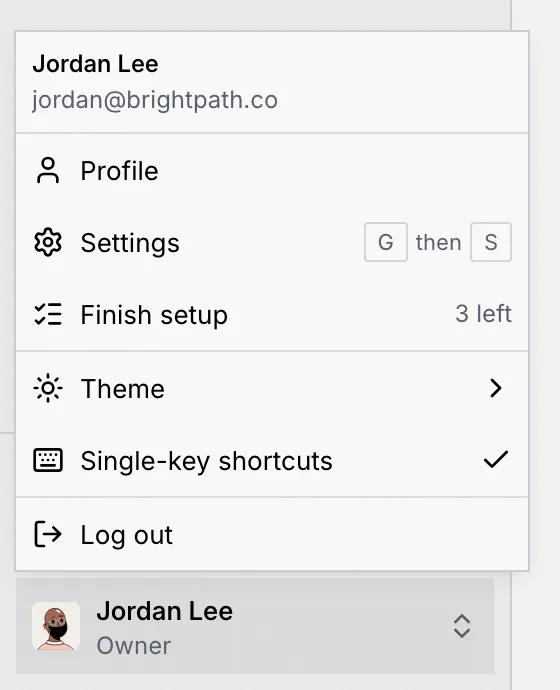
**Finish setup** stays in the menu even after you hide the checklist.
## Hide the checklist [#hide-the-checklist]
### Open the checklist's menu [#open-the-checklists-menu]
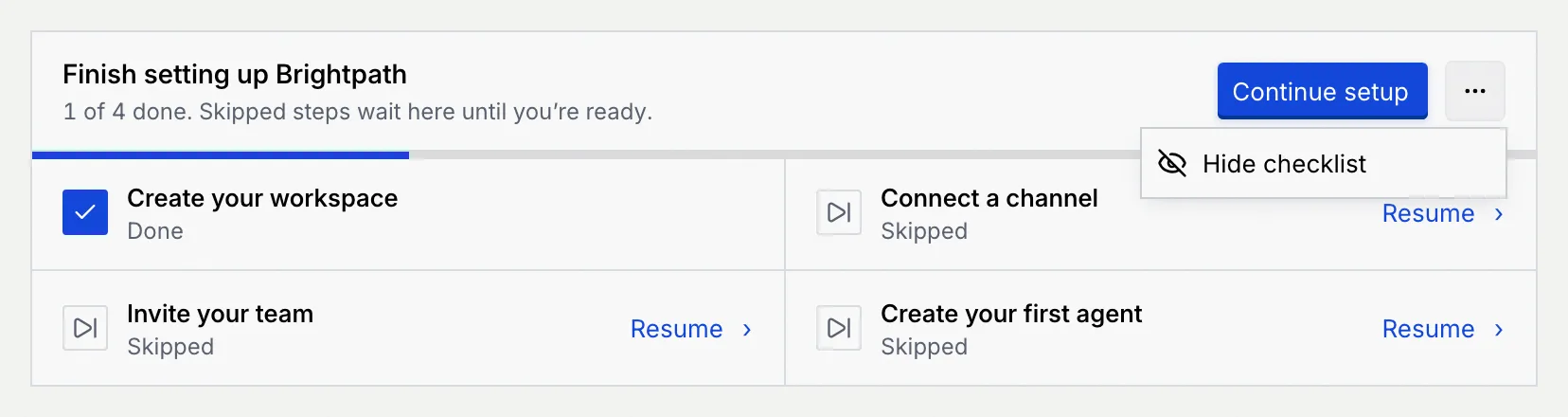
Click the **⋯** button (**More actions for the setup checklist**) next to **Continue setup**, then **Hide checklist**.
### Carry on from the account menu [#carry-on-from-the-account-menu]
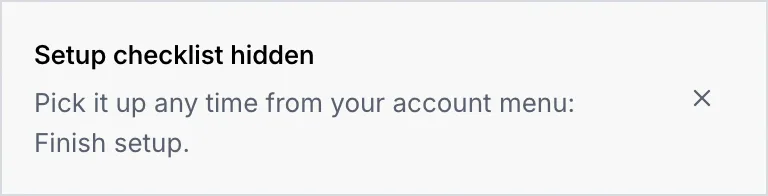
The checklist disappears from the Command center and Mokanata says "Setup checklist hidden. Pick it up any time from your account menu: Finish setup." If it can't be hidden right now, you see **Couldn't hide the checklist** with the reason; try again.
## When a step counts as done [#when-a-step-counts-as-done]
The checklist and **Finish setup** go away for good once all four steps are **Done**. A skipped step stays open until you finish it.
| Step | Done when you… | Skipped when you… |
|---|---|---|
| **Create your workspace** | click **Create workspace** in setup, click **Keep this name** on the revisited step, or save the workspace in [Settings → Workspace](/docs/settings/workspace) | click **Skip, use a default name** |
| **Connect a channel** | click **Continue with** a channel in setup | click **Skip for now** |
| **Invite your team** | send at least one invite from setup | click **Skip for now** |
| **Create your first agent** | deploy the agent from the wizard that setup opens | click **Skip for now** on the step or in the wizard's setup banner |
Connecting a channel from **Setup**, inviting people from Settings, or creating an agent from **Agents** doesn't tick the checklist. To clear a step you've already done elsewhere, open it from the checklist and finish it there, or hide the checklist.
## Next steps [#next-steps]