# Notifications (/docs/settings/notifications)
Notifications decide what Mokanata tells you about and where, so the alerts that need you stand out. Your choices are yours alone: each teammate sets their own, and they apply in every workspace you belong to.
Mokanata saves these choices, but doesn't send alerts by email or push, collect them under the bell, or send the weekly digest yet. Until it does, drafts that wait for you are in the [Command center](/docs/inbox/command-center), and channel alerts are on the [Setup page](/docs/channels/setup-page).
- **Who can use it:** Everyone, for their own alerts.
- **Before you start:** Quiet hours and the digest follow the time zone on your [profile](/docs/settings/profile). Check it's right first.
## Choose your alerts [#choose-your-alerts]
### Open Notifications [#open-notifications]
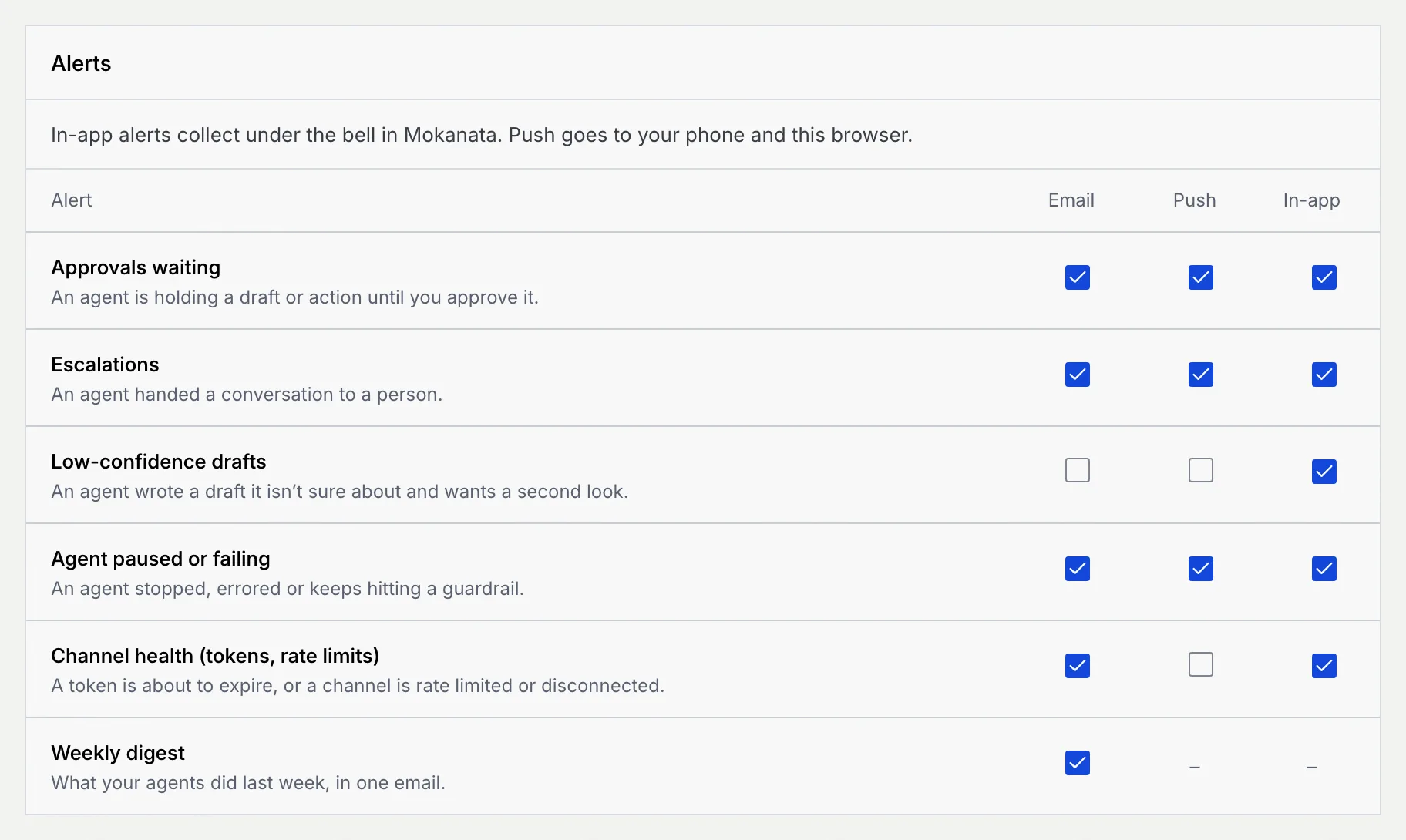
Go to **Settings** → **Notifications**. The **Alerts** panel lists each kind of alert, with a checkbox for each way it can reach you.
### Tick where each alert goes [#tick-where-each-alert-goes]
- **Email** goes to your login email.
- **Push** goes to your phone and this browser.
- **In-app** is meant for the bell at the top of Mokanata, which has no notifications feed yet.
| Alert | When it fires | Starts on |
| --- | --- | --- |
| **Approvals waiting** | An agent is holding a draft or action until you approve it. | Email, Push, In-app |
| **Escalations** | An agent handed a conversation to a person. | Email, Push, In-app |
| **Low-confidence drafts** | An agent wrote a draft it isn't sure about and wants a second look. | In-app |
| **Agent paused or failing** | An agent stopped, errored or keeps hitting a guardrail. | Email, Push, In-app |
| **Channel health (tokens, rate limits)** | A token is about to expire, or a channel is rate limited or disconnected. | Email, In-app |
| **Weekly digest** | What your agents did last week, in one email. | Email (it only comes by email) |
### Save [#save]
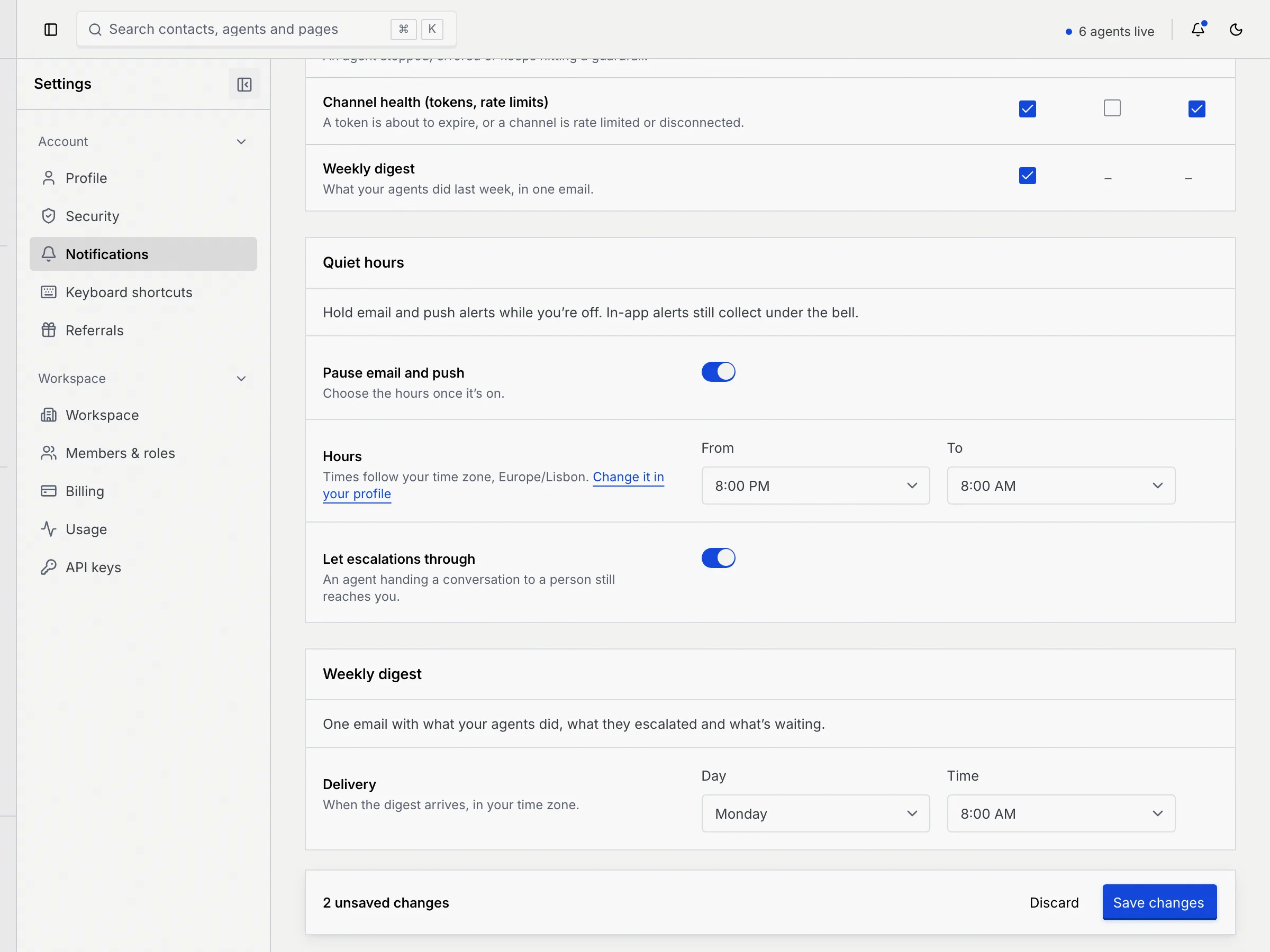
A bar at the bottom of the page counts your changes. Click **Save changes**; you see **Notification settings saved**. Click **Discard** to go back to what's saved. If you leave the page before saving, Mokanata asks **Discard unsaved changes?** first.
## Set quiet hours [#set-quiet-hours]
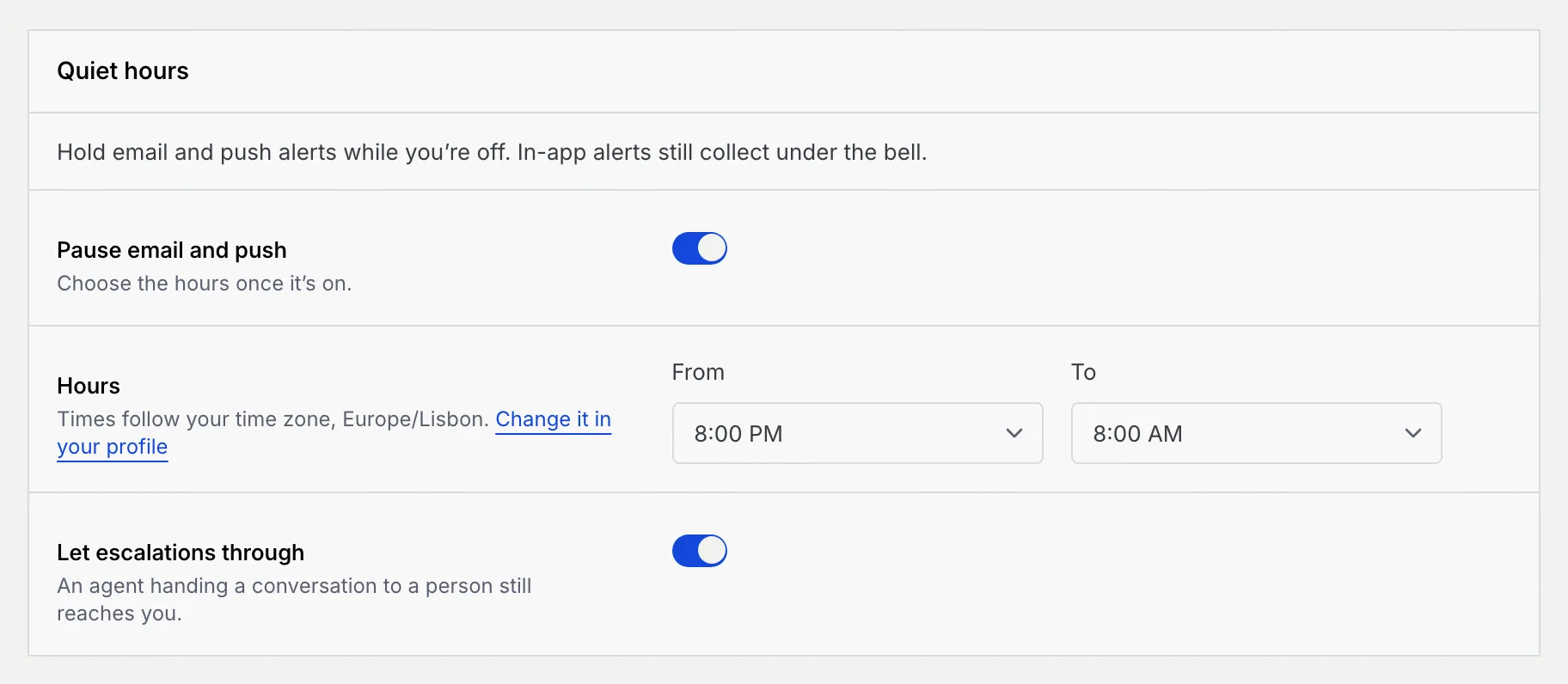
Quiet hours are meant to hold email and push alerts while you're off, once Mokanata sends them.
### Turn on Pause email and push [#turn-on-pause-email-and-push]
In **Quiet hours**, switch on **Pause email and push**. The **Hours** and **Let escalations through** settings appear.
### Choose the hours [#choose-the-hours]
Pick **From** and **To**, in half hours. They start at 8:00 PM to 8:00 AM, and can run past midnight. The times follow your time zone, shown under **Hours**; **Change it in your profile** takes you to your profile if it's wrong.
The start and end can't be the same time.
### Decide about escalations [#decide-about-escalations]
**Let escalations through** is on to start with: an agent handing a conversation to a person still reaches you during quiet hours. Switch it off to hold escalations too.
### Save [#save-1]
Click **Save changes** in the bar at the bottom.
## Choose when the weekly digest arrives [#choose-when-the-weekly-digest-arrives]
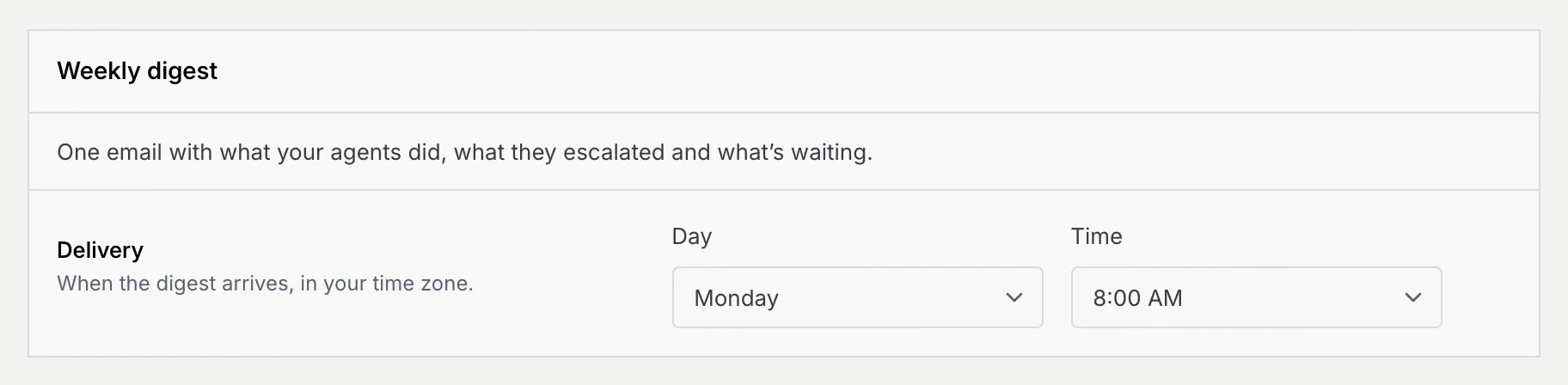
The weekly digest is meant to be one email with what your agents did, what they escalated and what's waiting. Mokanata saves when you want it, but doesn't send it yet.
### Pick the day and time [#pick-the-day-and-time]
In **Weekly digest**, choose a **Day** and a **Time** (on the hour, in your time zone). It starts on Monday at 8:00 AM.
### Save [#save-2]
Click **Save changes** in the bar at the bottom.
To stop the digest, untick **Weekly digest** in the **Email** column under **Alerts**. The panel then says the digest is off; tick it again to choose when it arrives.

Times show in 12-hour or 24-hour form, following the workspace's [language and region](/docs/settings/language-region).
## Troubleshooting [#troubleshooting]
Quiet hours need a start and an end that differ. Change **From** or **To**, then save.
Mokanata couldn't save them, for example because the connection dropped. Your changes stay on the page: click **Retry** in the message or **Save changes** again.
## Next steps [#next-steps]