# Health, sync, reconnect and disconnect (/docs/channels/channel-health)
Every connected account has a health status, so you can tell at a glance whether agents can reply on it. This page explains each status and how to fix the ones that need you: syncing, renewing a token before it expires, disconnecting an account and connecting it again.
- **Who can use it:** Anyone can see health and sync accounts. Renewing, reconnecting and disconnecting need the **Connect and disconnect** permission (owners and admins by default) and **Manage** access to the accounts involved. Without it, **Reconnect** and **Renew token** stay visible but disabled, and **Disconnect** is left out of the menus. See [Who can change channels](/docs/channels/setup-page#who-can-change-channels).
- **Before you start:** To renew or reconnect, you need to be able to sign in with Facebook again, with access to the Pages or the WhatsApp Business account involved.
Messenger, Instagram and WhatsApp go live once Mokanata's Meta app is approved by Meta, and the other channels are coming soon (see [Connect a channel](/docs/channels/connect-a-channel#coming-soon)). Until then there are no connected accounts to look after.
## Health statuses [#health-statuses]
The status shows on the platform's row in the **Connected accounts** list, in its details header and on each account. A platform shows the worst status among its accounts.
| Status | What it means | What to do |
| --- | --- | --- |
| **Healthy** (blue dot or grey badge) | Mokanata is syncing and agents can reply. | Nothing. |
| **Token expiring** | Meta stopped accepting Mokanata's access for the account, for example after someone removed Mokanata's access in Facebook. Agents can't reply on it until it's renewed. | [Renew the token](#renew-an-expiring-token). |
| **Rate limited** | Meta paused Mokanata's requests for a while. New messages wait and sync on their own when the limit resets; agents don't reply there meanwhile. **Sync now** is disabled until then. | Wait. The note says when it resumes. |
| **Limited** | Meta limited a WhatsApp number, for example its quality dropped to Low or Meta restricted the messages your business starts. | The notice in the details says what happened. See [WhatsApp number settings](/docs/channels/whatsapp-number-settings). |
| **Disconnected** | Someone disconnected the account in Mokanata. Agents stopped replying on it; past conversations stay in the inbox. | [Reconnect it](#reconnect-a-disconnected-account). |
| **In review** | Meta is reviewing a new WhatsApp number's display name. | Wait, usually 1 to 2 business days. See [WhatsApp number settings](/docs/channels/whatsapp-number-settings). |
**Needs attention** in the **Show** filter keeps platforms with an expiring token or a rate limit. **Limited or beta** keeps the limited ones. The sidebar's number next to **Setup** counts the platforms that need attention.
While a platform is in one of these states, its details show a notice under the stats that says what happened and what to do.
## Sync now [#sync-now]
Messages arrive as the platforms send them. To read an account's details from the platform again straight away:
- For one platform, click **Sync now** in its details header.
- For one account, expand it under **Accounts** and click **Sync now**.
- For everything, use **Sync all** in the Setup header's **⋯** menu. See [Sync every account](/docs/channels/setup-page#sync-every-account).
The button shows **Syncing** while it works, then a message says what synced, from what the platform returned, and the account's **Last synced** reads **just now**. An account that didn't sync is named, with why. Facebook Pages and Instagram accounts get everything as Meta sends it, so once they're live they have nothing to sync.
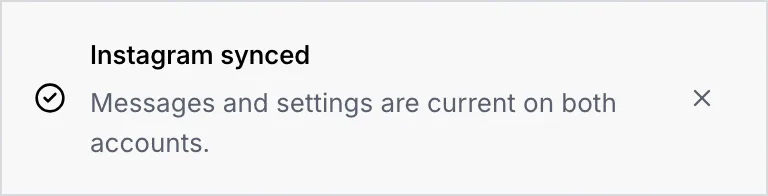
A rate-limited account can't sync until the limit lifts: its **Sync now** is disabled, and hovering it says when it resumes.
## Renew an expiring token [#renew-an-expiring-token]
When Meta stops accepting an account's access, an alert shows at the top of the Channels tab, the platform shows **Token expiring**, and its details explain that replies stop until it's renewed. Conversations and routing stay as they are when you renew.
### Find the account [#find-the-account]
Click **Reconnect** in the alert at the top of the tab, or in the notice in the platform's details. To renew one account, open the platform, expand the account and click **Renew token**.
### Sign in with Facebook again [#sign-in-with-facebook-again]
For a Facebook Page or an Instagram account, click **Continue with Facebook**, then keep the accounts you're renewing switched on in the list of Pages and click **Connect**. For a WhatsApp number, click **Connect with Facebook** and pick the same business account and number in Facebook's window.
### Check the account [#check-the-account]
A message confirms the account reconnected. The account turns **Healthy** and the alert at the top goes away. If an account didn't come back, the step says so: sign in with Facebook again and switch it on.
## Disconnect a platform or an account [#disconnect-a-platform-or-an-account]
Disconnecting stops agents replying on the account right away. Its conversations stay in the inbox, and you can reconnect later with the same sign-in.
### Choose what to disconnect [#choose-what-to-disconnect]
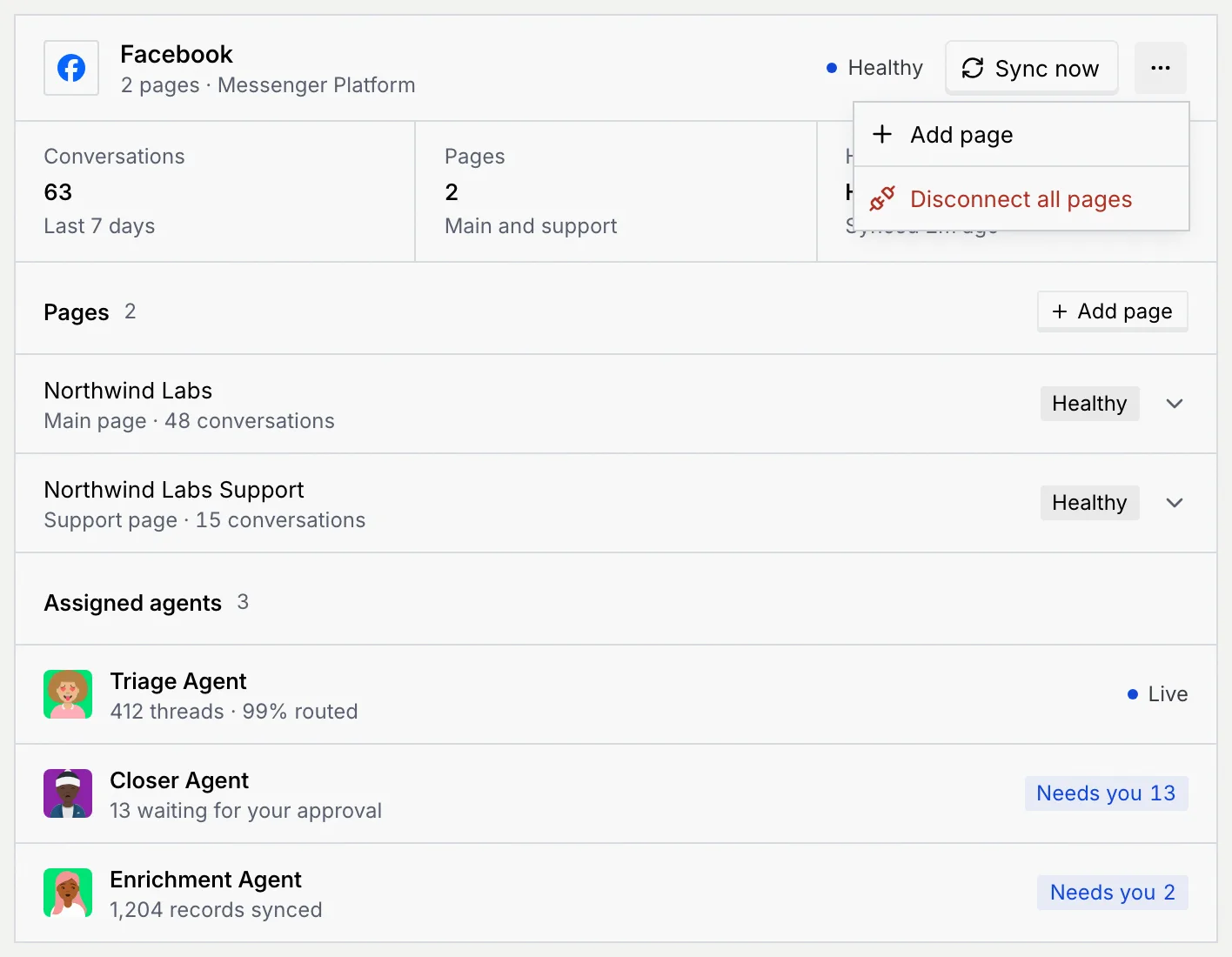
- **A whole platform:** open it, click **⋯** in its header, then **Disconnect all pages** (or **accounts**, **mailboxes**, **bots**; just **Disconnect** when it has one account).
- **One account:** open the platform, expand the account under **Accounts**, click **⋯** next to **Sync now**, then **Disconnect** and the account's name.
### Confirm [#confirm]
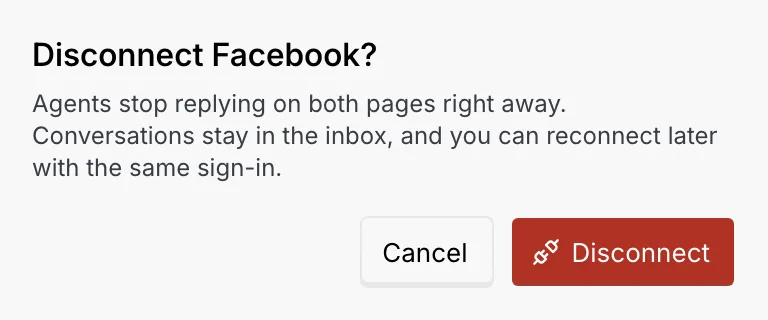
The dialog says which accounts stop replying. Click **Disconnect**.
### Undo if you need to [#undo-if-you-need-to]
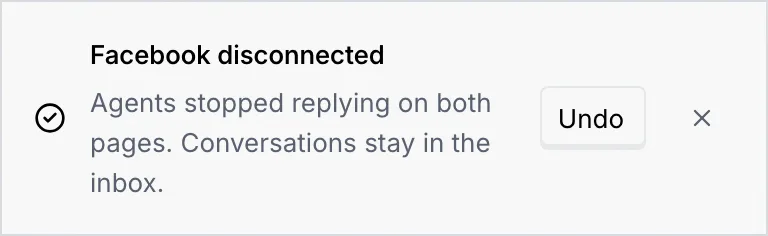
The account is disconnected at once. A message confirms it with an **Undo** button, which connects it again straight away.
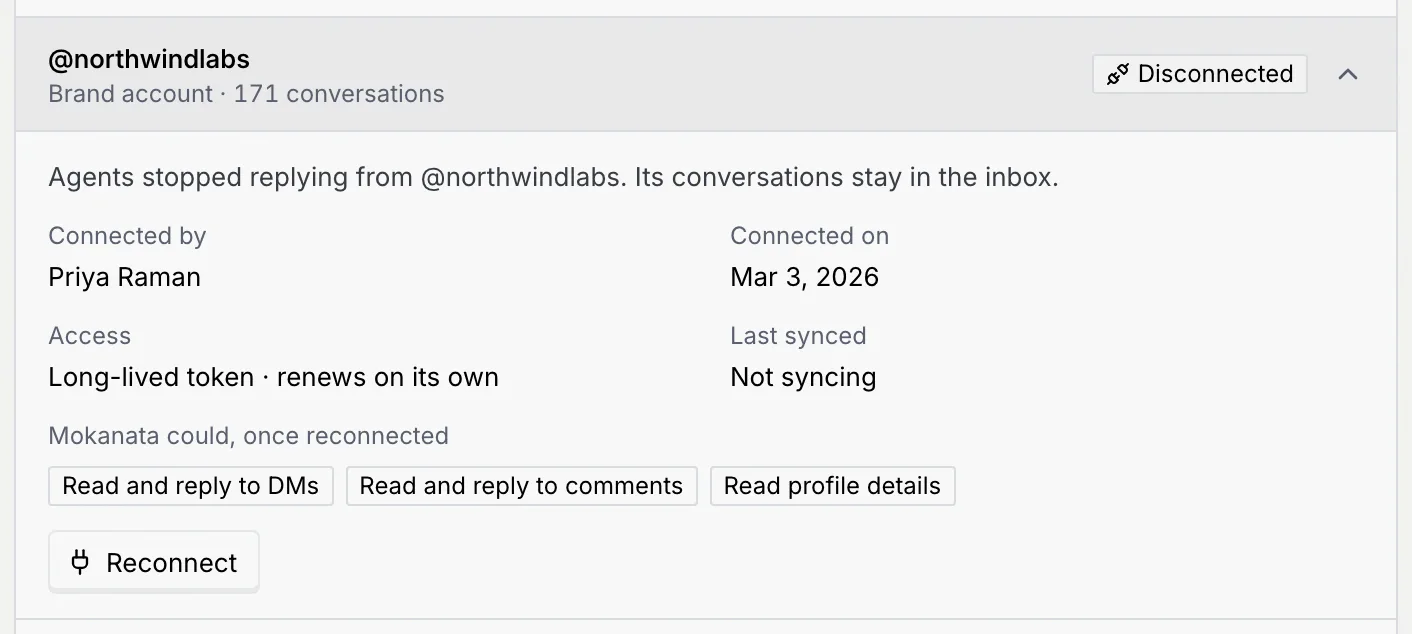
A disconnected platform's details show that it's disconnected, with a **Reconnect** button. A disconnected account shows "Agents stopped replying from" its name, **Not syncing**, and what Mokanata could do once reconnected.
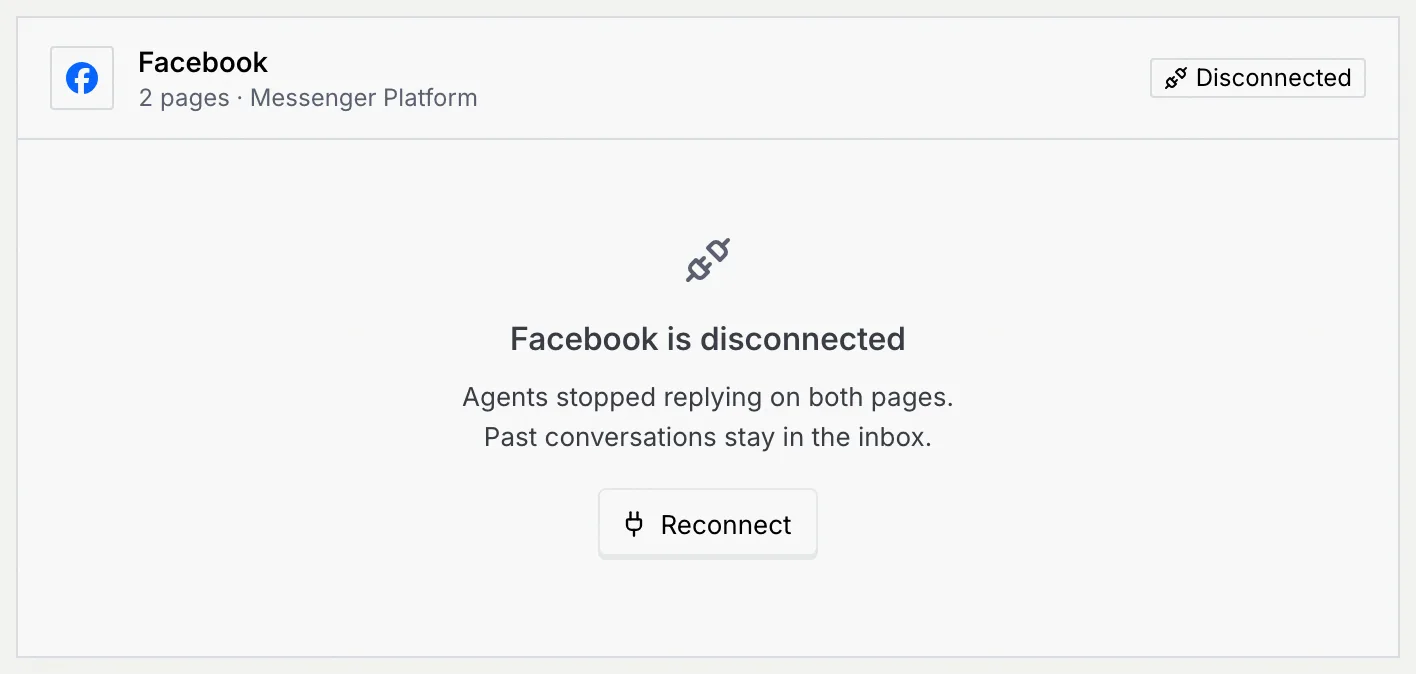
While an account is disconnected, no agent replies on it and it doesn't sync. Disconnect only when you mean to stop working that account, and reconnect it with the same sign-in when you're ready.
## Reconnect a disconnected account [#reconnect-a-disconnected-account]
### Find it [#find-it]
Choose **Disconnected** in the **Show** filter to list the platforms with a disconnected account.
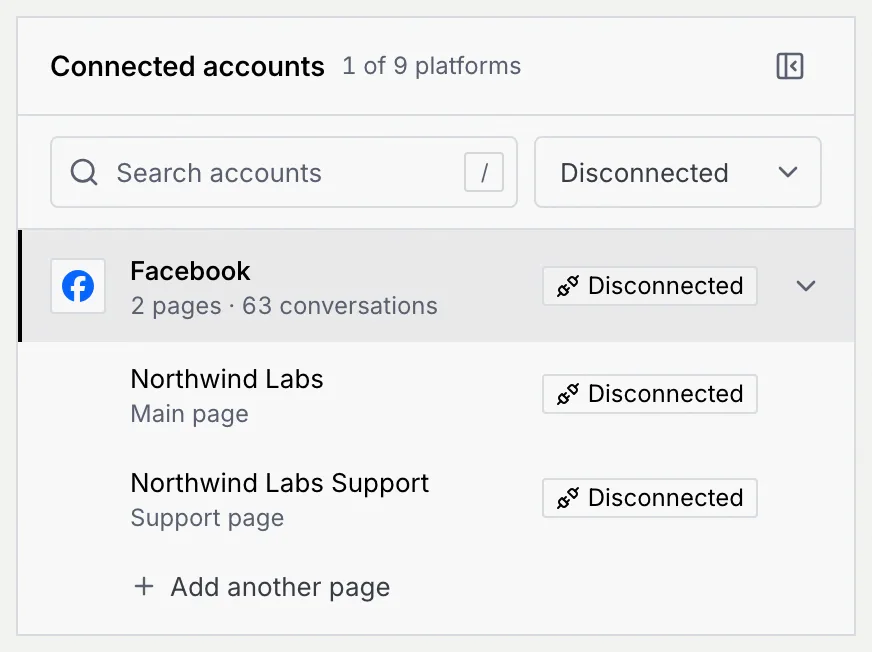
### Reconnect [#reconnect]
Click **Reconnect** in the platform's details, or on the expanded account as shown here. You sign in with Facebook again, as when you renew a token: the accounts you're reconnecting start switched on.
A message confirms that assigned agents are replying again, and the accounts turn **Healthy**.
## Troubleshooting [#troubleshooting]
Your role can't connect and disconnect accounts, or it doesn't have **Manage** access to this account. Ask an owner or admin, or see [Channel access](/docs/settings/channel-access).
The platform is rate limited. Hover the button to see when it resumes. Messages that arrive meanwhile sync on their own.
A message says the account "didn't reconnect" or "is still connected" with a **Retry** button. Nothing changed; check your connection and click **Retry**.
Undo couldn't reach Mokanata. Click **Reconnect** in the platform's details instead.
## Next steps [#next-steps]